




Heroes and Castles 2: Premium
Survivalcraft
LEGO ® Marvel Super Heroes
Door Kickers: Action Squad
Star Survivor:Premium
ScourgeBringer
Cover Fire: Offline Shooting
Mortar Defense
Wizard of Legend
Shadow Fight 2 Special Edition
Advertisement
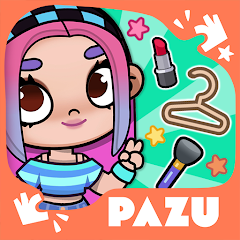
Avatar Maker Dress up for kids
Updated Time
Apr 1, 2026
Category
Casual
Installs
10M+
Content Rating
Updated Time
Apr 1, 2026
Category
Casual
Installs
10M+
Content Rating
Screenshots
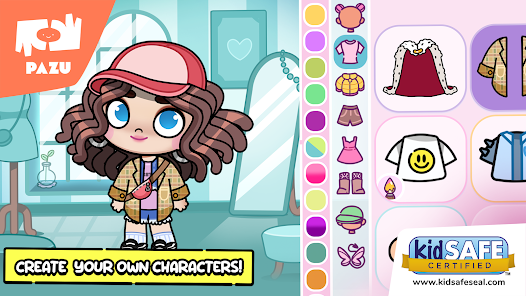
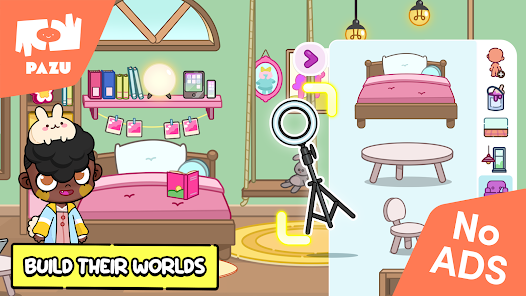
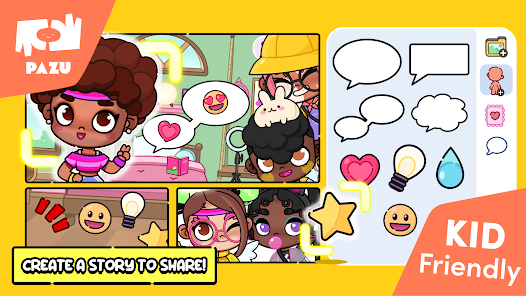
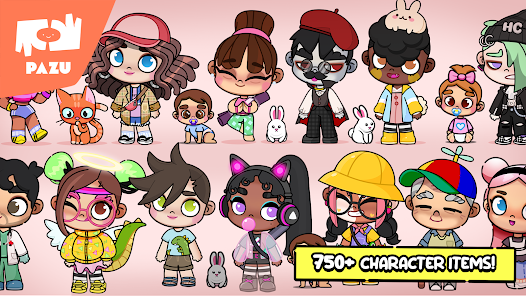
Advertisement
Editor Reviews
• What is Avatar Maker Dress up for kids?
Cute Avatar Creator
A colorful studio where kids design adorable avatars with hairstyles, outfits, stickers, and backgrounds. Simple taps, bright art, and playful sounds ✨? make creativity shine.
Safe & Kid-Friendly
Made for young creators: intuitive controls, big buttons, friendly guidance, and calm feedback. Encourages imagination, self-expression, and storytelling in a cozy space ??.
Dress-Up Variety
Mix hairstyles, eyes, skin tones, outfits, hats, glasses, and props. Seasonal costumes and fantasy sets keep styles fresh; endless combos spark fashion fun ??✨.
Share & Stories
Save avatars to a gallery, set cute profile pics, or build mini scenes with stickers and backgrounds. Great for posters, role-play, and party invites ??.
• How to Play?
Step 1: Open the studio and pick a blank canvas or a preset character, then explore clear category icons. Gentle animations guide each step, making creation smooth, relaxing, and joyful ✨.
Step 2: Face Basics: choose skin tone, eye shape, brows, nose, and mouth. Swipe to browse options; tap to apply; use undo for changes. Balance features for a friendly look ?.
Step 3: Hair & Color: select braids, curls, ponytails, or short cuts; pick a shade from the palette. Test styles quickly, then lock a favorite. Add bows or clips for flair ?♀️?.
Step 4: Outfits & Shoes: open clothing tabs, try tops, dresses, pants, and footwear. Layer accessories like hats and bags; combine colors for a matching outfit ???.
Step 5: Extras & Props: add glasses, masks, pets, and stickers. Drag to position, pinch to resize, and rotate with two fingers. Create a theme scene with fun items ??✨.
Step 6: Backgrounds & Frames: choose colors, patterns, rooms, or outdoors. Adjust placement; tap save to store in the gallery. Export a polished picture for sharing ??️.
Step 7: Finish & Edit: review the avatar, tweak details, and duplicate for variants. Use reset to start fresh or continue later from the gallery. Build a cute collection ??.
Download for App
Ratings
Similar Games

Online Games












Disclaimer
WinWilder does not represent any developer, nor is it the developer of any App or game.
WinWilder provides screenshots, historical version APK, links and other information collected from Google Play.
All trademarks, registered trademarks, product names and company names or logos appearing on the site are the property of their respective owners.
We guarantee the security of APK files downloaded from our site and also provide the official download link at Google Play Store and App Store.